
Running a small business often means managing sales, customer questions, follow-ups, emails, and marketing at the same time. In the early days, a spreadsheet and a few notes may be enough. But as your customer list grows, important information can become scattered across emails, documents, calendars, and different apps.
That is where a CRM for small business can make a major difference. Customer relationship management software gives you one place to organize contacts, track leads, manage sales opportunities, record customer interactions, and automate repetitive tasks.
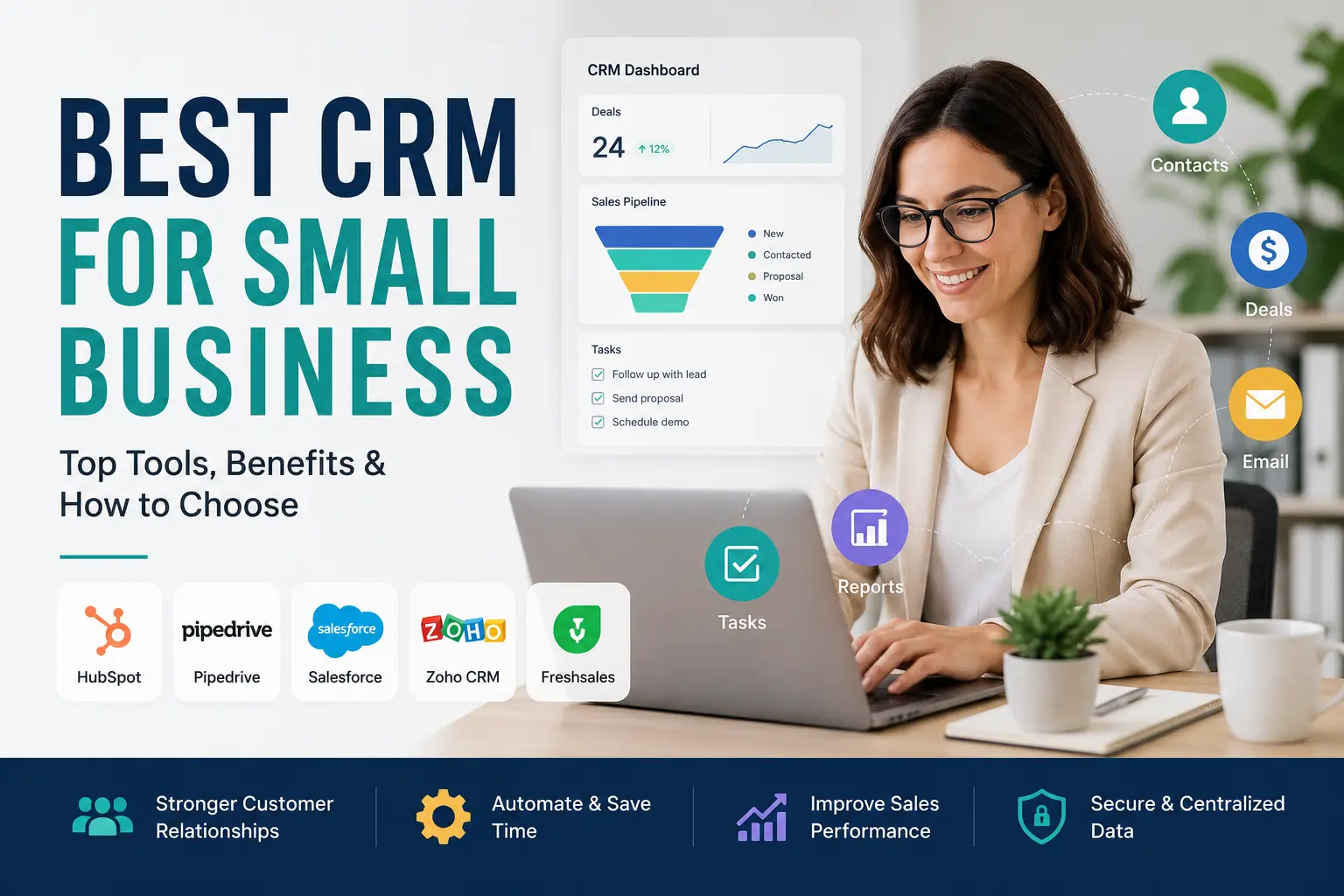
The challenge is choosing the right platform. There are dozens of CRM tools, and they are not all designed for the same type of business. Some focus on simple sales pipelines, while others provide marketing automation, customer service, analytics, AI features, and extensive integrations.
This guide looks at some of the strongest CRM options for small businesses and explains what to consider before choosing one. The goal is not simply to find the CRM with the most features, but the one your team will actually use.
What Is the Best CRM for Small Business?
There is no single CRM that is perfect for every small company. The best choice depends on your budget, team size, sales process, required integrations, and growth plans.
Here are several popular options worth considering:
- HubSpot CRM: Best for businesses starting with a free CRM.
- Pipedrive: Best for sales-focused teams that want a visual pipeline.
- Salesforce: Best for businesses expecting significant growth and customization.
- Zoho CRM: Best for affordable customization and automation.
- Freshsales: Best for teams that want built-in communication features.
- Monday CRM: Best for visual and highly customizable workflows.
- Less Annoying CRM: Best for businesses that want a straightforward alternative to spreadsheets.
The right CRM should solve a specific business problem rather than simply add another piece of software to your technology stack.
Why Does a Small Business Need a CRM?
A CRM for small business acts as a centralized place for customer information and sales activity. Instead of searching through different spreadsheets and inboxes, your team can see contact details, conversations, tasks, opportunities, and customer history in one system.
This becomes especially valuable as your business grows.
Imagine that a potential customer asks for a quote on Monday. Another employee speaks with them on Wednesday, while you send a follow-up email on Friday. Without a CRM, these interactions may be stored in three different places.
With a CRM, the information can become part of one customer record.
A small business CRM can help you:
- Organize customer and prospect information
- Track leads through the sales funnel
- Schedule follow-ups and appointments
- Monitor open deals
- Record customer interactions
- Automate repetitive sales tasks
- Analyze sales performance
- Coordinate work between team members
The result is less time spent searching for information and more time spent serving customers and growing the business.
Which CRM Features Matter Most for Small Businesses?
Not every CRM feature deserves equal attention. Small companies should prioritize capabilities that solve everyday problems and are easy for employees to adopt.
1. Contact Management
Contact management is the foundation of any CRM. The platform should let you store customer names, contact details, company information, notes, activities, and interaction history in an organized database.
A good contact record should answer a simple question: “What do we know about this customer?”
2. Lead and Pipeline Management
Lead management helps you see where prospects are in the buying process. You should be able to identify new leads, qualified prospects, active opportunities, and deals that are close to conversion.
A visual pipeline can make this especially easy for sales teams.
3. Automation
Automation can handle repetitive work such as reminders, follow-up tasks, lead assignments, and routine communications.
For a small team with limited staff, eliminating several manual tasks every day can make a meaningful difference.
4. Email and Marketing Tools
If marketing is an important part of your growth strategy, look for CRM software that integrates with email marketing and campaign tools. CRM data can help you segment customers and create more relevant campaigns.
5. Mobile Access
Salespeople and business owners are not always sitting at a desk. Mobile access lets employees update customer records, check opportunities, and manage tasks while working remotely or meeting clients.
6. Integrations
Your CRM should work with the tools you already depend on. Consider integrations for email, calendars, accounting, marketing, communication, customer support, and ecommerce.
7. Security and Data Backup
Customer data is valuable. Look for appropriate security controls, backups, access permissions, and compliance protections before moving important business information into a CRM.
Which CRM for Small Business Should You Consider?
Different platforms serve different needs. Instead of ranking every CRM from one to seven, it is more useful to match each option with a particular type of small business.
HubSpot CRM: Best for Getting Started
HubSpot CRM is a strong starting point for businesses that want basic CRM capabilities without a large upfront commitment. Its entry-level offering includes customer management and deal tracking, while its wider platform connects CRM functions with sales, marketing, service, content, and data tools.
Best for: Startups and growing businesses moving away from spreadsheets.
Why consider it: Easy starting point, contact management, deal tracking, and marketing capabilities.
Watch out for: Costs can increase as you add more advanced tools and paid services.
Pipedrive: Best for Sales Pipeline Management
Pipedrive is designed around sales pipeline management. Its visual approach makes it easy to see where opportunities stand and what needs attention next. It also supports multiple pipelines and integrations with other business applications.
Best for: Sales-led businesses and teams that want a simple visual pipeline.
Why consider it: Straightforward interface and strong focus on sales activities.
Watch out for: Businesses needing extensive marketing functionality may require additional tools.
Salesforce: Best for Scaling Businesses
Salesforce offers a broad ecosystem covering sales, service, marketing, analytics, automation, AI, and integrations. Its small-business offerings are designed to provide a path from basic CRM functionality toward more sophisticated capabilities as a company grows.
Best for: Small businesses with ambitious growth plans.
Why consider it: Extensive ecosystem, customization, automation, analytics, and scalability.
Watch out for: Its depth can create a steeper learning curve than simpler CRM platforms.
Zoho CRM: Best for Customization on a Budget
Zoho CRM combines contact management, sales pipeline features, automation, integrations, and AI capabilities. Its workflow tools can be useful for businesses that want to customize how leads and customer processes move through the organization.
Best for: Small businesses that want flexibility without moving immediately to a highly complex enterprise platform.
Freshsales: Best for Built-In Communication
Freshsales focuses strongly on sales communication, combining CRM capabilities with email, phone, chat, and other communication channels. Its AI capabilities can also help sales teams prioritize opportunities and draft communications.
Best for: Teams that communicate with prospects through several channels.
Monday CRM: Best for Visual Workflows
Monday CRM provides a customizable workspace with visual dashboards, pipelines, reporting, and automation. Its no-code approach can appeal to teams that want to adapt the CRM around their existing workflow.
Best for: Teams that prefer visual project and sales management.
Less Annoying CRM: Best for Simplicity
Less Annoying CRM is specifically aimed at small businesses and independent consultants that want to move beyond spreadsheets without adopting a complicated system. It focuses on straightforward customer lists, tasks, reports, and calendar synchronization.
Best for: Solo professionals and very small teams that value simplicity.
How Can You Choose the Right CRM for Small Business?
Choosing CRM software should start with your business—not with a list of impressive features.
Use this process:
1. Identify your biggest problem.
Are you losing track of leads? Missing follow-ups? Struggling with customer information? Choose a CRM that directly addresses your biggest weakness.
2. List the tools you already use.
Write down your email platform, calendar, accounting software, marketing tools, communication apps, and other essential systems. Check whether your preferred CRM integrates with them.
3. Set a realistic budget.
Don’t look only at the monthly subscription. Consider implementation, additional users, integrations, data migration, training, and premium features.
4. Test usability.
A CRM packed with features is useless if your employees avoid using it. Take advantage of free plans, trials, and demonstrations when available.
5. Think about future growth.
The CRM that works for three employees may not be suitable for 30. Consider additional users, larger databases, reporting, automation, and advanced functionality before making your final decision.
These selection steps closely match the competitor research, which emphasizes business needs, integrations, onboarding, budget, usability, and long-term scalability.
What Are the Benefits of Using a CRM?
The value of CRM software goes beyond keeping a customer database.
Better customer relationships
Employees can see previous conversations, purchases, notes, and activities instead of asking customers to repeat information.
Faster follow-ups
Reminders and automated workflows make it less likely that a promising lead will be forgotten.
Better sales visibility
Managers can see how many opportunities are active, where deals are getting stuck, and which prospects require attention.
More efficient marketing
CRM information can help businesses segment audiences and create more relevant campaigns.
Smarter decisions
Reports and analytics provide information about sales activities, customer behavior, and business performance.
For a small company, these improvements can compound over time.
What Mistakes Should Small Businesses Avoid When Choosing a CRM?
Even an excellent CRM can fail if it is poorly implemented.
Avoid these common mistakes:
- Choosing too many features: More features do not automatically mean better results.
- Ignoring employee adoption: If your team does not use the CRM consistently, your data will quickly become unreliable.
- Moving messy data without cleaning it: Duplicate or outdated records can create problems from day one.
- Forgetting integrations: A CRM that cannot work with your essential tools may create more manual work.
- Focusing only on price: The cheapest platform may become expensive if you need numerous add-ons.
- Failing to plan for growth: Switching CRM systems later can involve significant time and data migration work.
Poor adoption and setup are particularly important risks. Competitor research notes that data-entry fatigue, conversations happening outside the CRM, unclear value, and integration problems can all reduce the effectiveness of a new system.
How Can You Successfully Set Up a Small Business CRM?
Once you’ve selected a platform, don’t try to automate everything immediately.
Start with the basics:
- Clean your existing customer data.
- Import contacts and check for duplicates.
- Create your sales pipeline stages.
- Connect essential email and calendar tools.
- Create basic follow-up reminders.
- Train employees on the most important workflows.
- Review CRM usage regularly.
Start small, measure what works, and add more automation later. Competitor research similarly recommends importing clean data, configuring forms and integrations, and training team members to consistently record activities and customer interactions.
What Is the Best CRM Strategy for a Growing Business?
The best CRM strategy is not about buying the most powerful platform. It is about creating reliable customer data and building habits around it.
A three-person consulting company might need little more than contacts, calendars, tasks, and a sales pipeline. A growing ecommerce company may eventually need marketing automation, customer segmentation, ecommerce integrations, analytics, and customer support.
Your CRM should therefore evolve with your processes.
Review your workflows every few months. Remove unnecessary fields, improve automation, clean duplicate records, and make sure employees understand why accurate CRM data matters.
The software is only part of the solution. Consistent usage is what turns CRM technology into a business advantage.
What Is the Best CRM for Small Business Overall?
For most small businesses, the best option depends on the company’s immediate priorities. HubSpot CRM is attractive for teams looking for an accessible starting point, while Pipedrive is particularly suitable for sales-focused businesses. Salesforce makes sense for companies that expect substantial growth and need a broad ecosystem. Zoho CRM can appeal to businesses that value customization, while Freshsales, Monday CRM, and Less Annoying CRM each target more specific needs.
Rather than choosing a CRM because it appears on someone else’s “best” list, identify the problem you need to solve first.
A good CRM for small business should organize customer information, simplify sales management, reduce repetitive work, connect with the tools you already use, and remain useful as your company grows. When the software fits your workflow—and your team actually uses it—it can become one of the most valuable systems in your business.
Frequently Asked Questions About CRM for Small Business
What is the best CRM for a small business?
The best CRM depends on your needs. HubSpot is a strong starting option, Pipedrive suits sales-focused teams, Salesforce offers extensive scalability, and Zoho provides flexible customization. The right choice should match your budget, workflow, team size, and growth plans.
Do small businesses really need a CRM?
A CRM becomes especially useful when customer information, leads, and follow-ups become difficult to manage with spreadsheets and email. It centralizes data and gives teams better visibility into customer relationships.
How much does a CRM cost for a small business?
CRM pricing varies considerably. Some platforms offer free entry-level plans, while paid subscriptions can range from relatively inexpensive per-user plans to much more advanced packages. Businesses should also account for implementation, integrations, migration, and training costs.
How long does it take to set up a CRM?
A basic CRM with clean data can be configured quickly, while a more involved implementation with migrations, integrations, and employee training may take several weeks. The complexity and quality of your existing data are major factors.
What features should a small business CRM have?
At minimum, look for contact management, lead and pipeline tracking, task management, integrations, mobile access, reporting, automation, and appropriate security. Choose additional features based on your actual business requirements rather than buying capabilities you may never use.